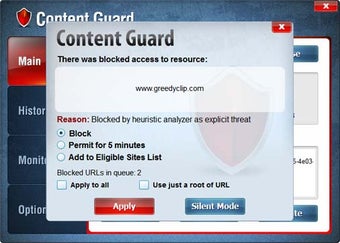
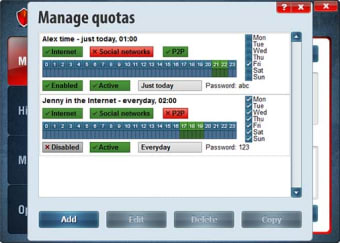
The internet is a dark and scary place at a times and for parents, it can be nerve wracking allowing their children on the web. FPS Content Control is an app that will help parents protect their kids from pornography and more.
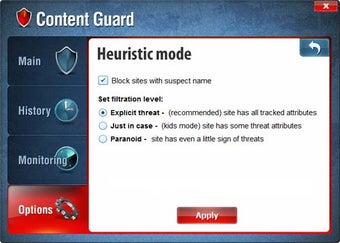
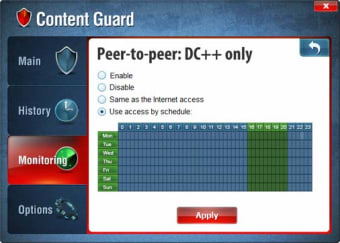
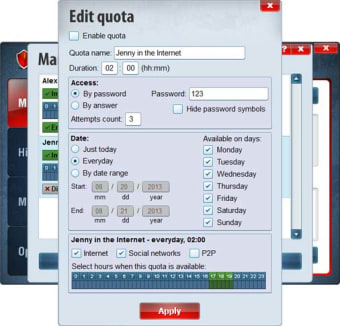
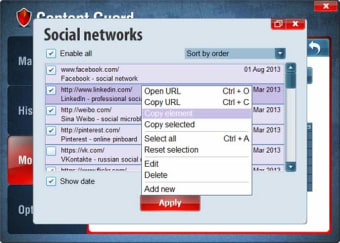
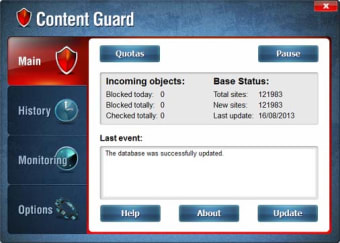
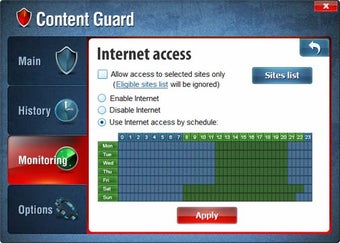
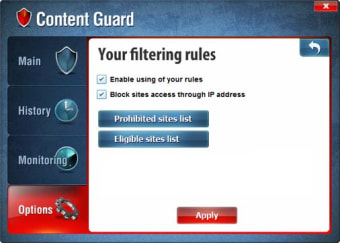
FPS Content Control works like a firewall and works automatically or with user defined filters for more personalization. There is a "heuristic" mode in FPS Content Control that allows the program to actively monitor web traffic and learn. FPS Content Control will also receive weekly updates to its database of dangerous websites.
One of the best features of FPS Content Control is that it doesn't depend on a specific web browser to function. Everything works at the low level, meaning it monitors traffic coming into your computer for questionable bits.
On the downside, FPS Content Control will give false positives, say for example, education sites that talk about the human body. Thankfully you can unblock sites from within the app. No filter is perfect though and you'll probably want to create your own filters.
Over all, Content Guard is a solid web guardian but it could use a few more features.
Laws concerning the use of this software vary from country to country. We do not encourage or condone the use of this program if it is in violation of these laws. Softonic may receive a referral fee if you click or buy any of the products featured here.